




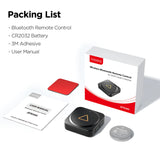

Viofo BTR200 Wireless Bluetooth Remote Control for A229 A129 VS1 Dash Cameras
Couldn't Load Pickup availability
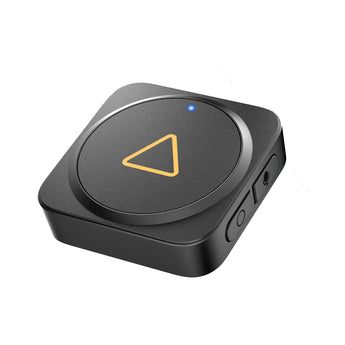
VIOFO BTR200 Bluetooth Remote Control
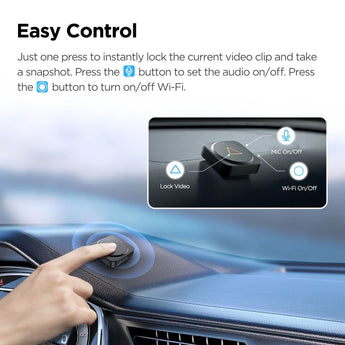
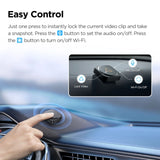
More Buttons Easy Control
Just one press to instantly lock the current video clip and take a snapshot. Press the & button to set the audio on/off. Press the O
button to turn on/off Wi-Fi.
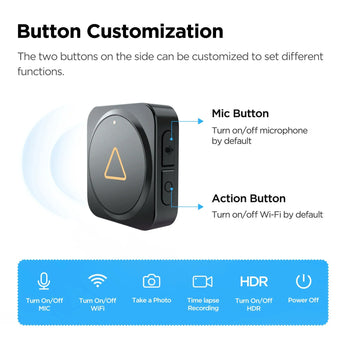
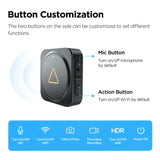
Button Customization
The two buttons on the side can be customized to set different functions.
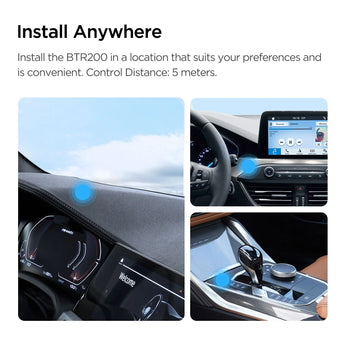
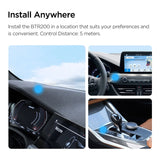
Install Anywhere
Install on a suitable and convenient location according to your needs.
Control Distance: 5 meters.
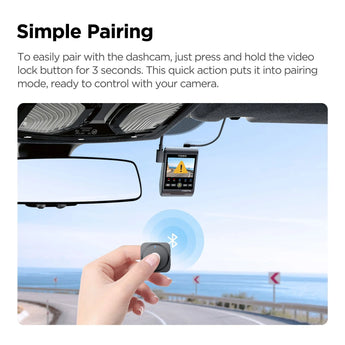
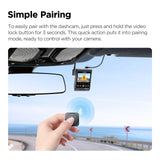
Simple Pairing
Press the video lock button for 3 seconds to pair with the dashcam. Note: The BTR200 Bluetooth remote control is now compatible with VIOFO A229 Pro, A229 Plus and VS1 dashcam.
The firmwares of A229 Pro and A229 Plus should be updated to version V1.3, and the firmware of VS1 to version V1.1.
This Bluetooth remote control will soon support pairing with more VIOFO dashcam models.
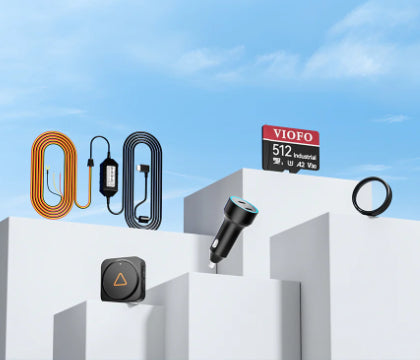
Explore the full range in Add ons & Extras.
Specification
| Weight | 10g; Dimensions 33mm*33mm*10mm |
|---|---|
More specs
| |
What's Included
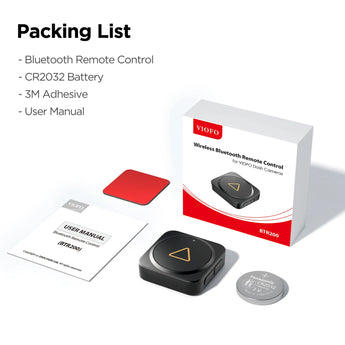
- Viofo Bluetooth Remote Control
Viofo
About the Viofo BTR200
From our tech experts at CEN
A Bluetooth remote that sits on the dash or steering column and protects the current clip at the press of a button.
Who it suits
Drivers who want to lock footage the moment something happens without reaching up to the camera, and taxi and instructor drivers who need one-touch protection while keeping both hands available.
Our tech experts advise
Locking a clip stops it being overwritten by loop recording, which is how most useful footage gets lost. Mount the remote where your thumb can find it without looking. See all VIOFO accessories.
Explore the full Viofo range at CEN, with fast UK dispatch and expert advice from our Nottingham team. Shop all Viofo
Recommended For You
Discover more top-rated gear, handpicked to go with what you're viewing

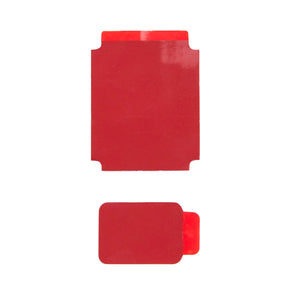





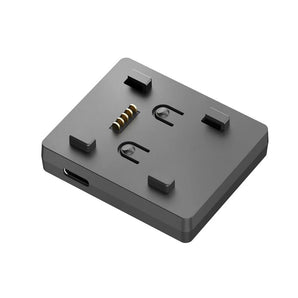

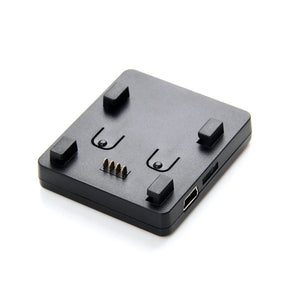

More from Add ons & Extras
More options from the same range, in stock and ready to go

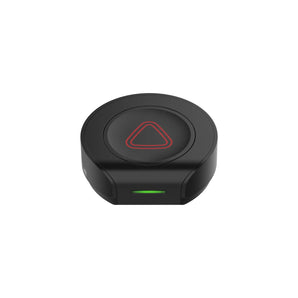 New Release BlackVue SOS Remote Button for Elite 8 9 10 & DR770X Box Pro Models Dash Cameras £39.95 /In stock
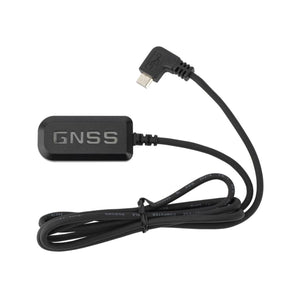 Popular BlackVue G-1EU External GPS Receiver for DR590X-1CH & DR590X-2CH Dash Cameras £44.95 /In stock
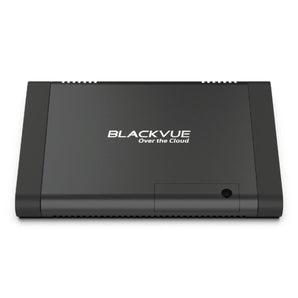 Staff Favourite BlackVue CM100LTE UK Edition 4G LTE Cloud Connectivity USB Module for X Series £169.95 /In stock


Frequently Asked Questions
Q: What SD card do I need for this dash cam?
A: Use a high-endurance microSD card designed for continuous recording. Standard cards wear out quickly in dash cams. CEN stocks suitable high-endurance cards, and the maximum supported capacity is listed in the Specification tab.
Q: Does this dash cam record while the car is parked?
A: Parking mode is listed in the Specification tab. Where supported, it requires constant power from either a hardwire kit or a dedicated dash cam battery pack, both of which CEN stocks.
Q: Do I need to hardwire the dash cam?
A: Not necessarily. All dash cams work from the 12V socket for drive recording. Hardwiring hides the cabling and enables parking mode, and CEN offers professional hardwire installation from our Nottingham premises.
Q: Will the footage be accepted by my insurer or the police?
A: Dash cam footage is widely used in insurance claims and can be submitted to most UK police forces through their online portals. Recording quality matters, so check the resolution in the Specification tab.
Q: Front only or front and rear - which should I choose?
A: A front camera covers the most common claim scenarios. A two-channel system adds rear coverage for rear-end collisions and tailgating evidence, which is where many disputed claims arise. Three-channel systems add an interior view, suited to taxi and fleet use.
